AMD Ryzen 9 3900X
12-core, 24-thread AMD Ryzen 9 3900X desktop processor (Zen 2, AM4) with 4.6 GHz max boost for high-end content creation and multitasking.
3 retailers


This tutorial takes about 2 minutes to complete.
Excel has a built-in function called LOWER that converts any text to lowercase letters. This tutorial shows how to apply it to an entire column of names (or any other text), and then lock the results in place so they stop updating when the original data changes.
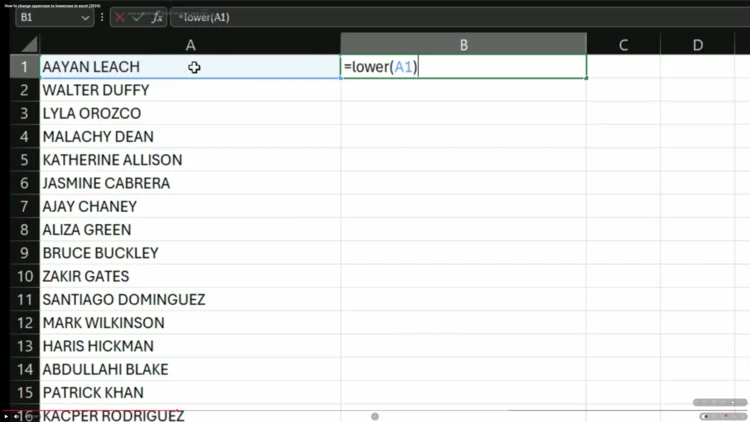
In your spreadsheet, you should have uppercase text in one column — for example, names in column A. Click into a blank cell next to it (column B, row 1), type =, then the LOWER function with a reference to the first cell of your data:
=LOWER(A1)
Hit Enter. The content of cell A1 now appears in lowercase in this cell.
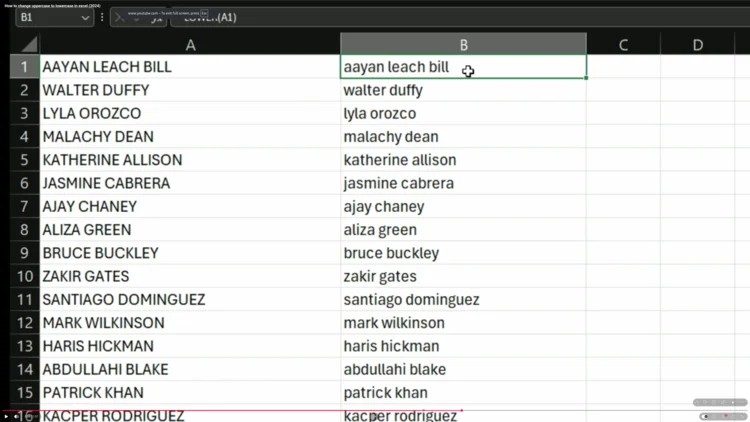
Click back on cell B1, move your cursor to the bottom-right corner until you see a black plus sign (the fill handle), then double-click. Excel automatically fills the formula down through all adjacent rows that have data in column A.
Column B is not a fixed copy of column A — it's a live formula. If you change or add text in column A, the matching cell in column B updates automatically to show the new lowercase version. Try typing something in uppercase in column A and watch it appear in lowercase in column B.
If you want the lowercase results to stop updating when column A changes, convert them from formulas to plain text:
This replaces the formulas in column A with their current lowercase results as plain, unchanging text. Your data is now locked in lowercase form.
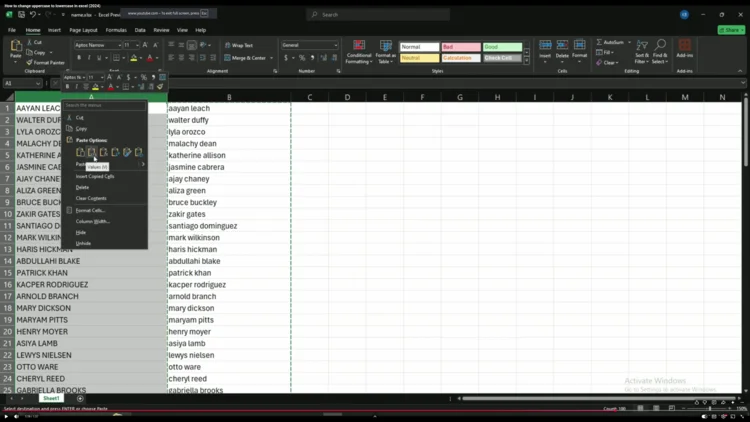
That's it — your original uppercase text in column A has been converted to lowercase and saved as static values. If you no longer need the formula column, you can delete column B.
One email a week on local LLMs, DIY AI hardware, and the tools that power them. No spam — unsubscribe anytime.
Subscribe free12-core, 24-thread AMD Ryzen 9 3900X desktop processor (Zen 2, AM4) with 4.6 GHz max boost for high-end content creation and multitasking.
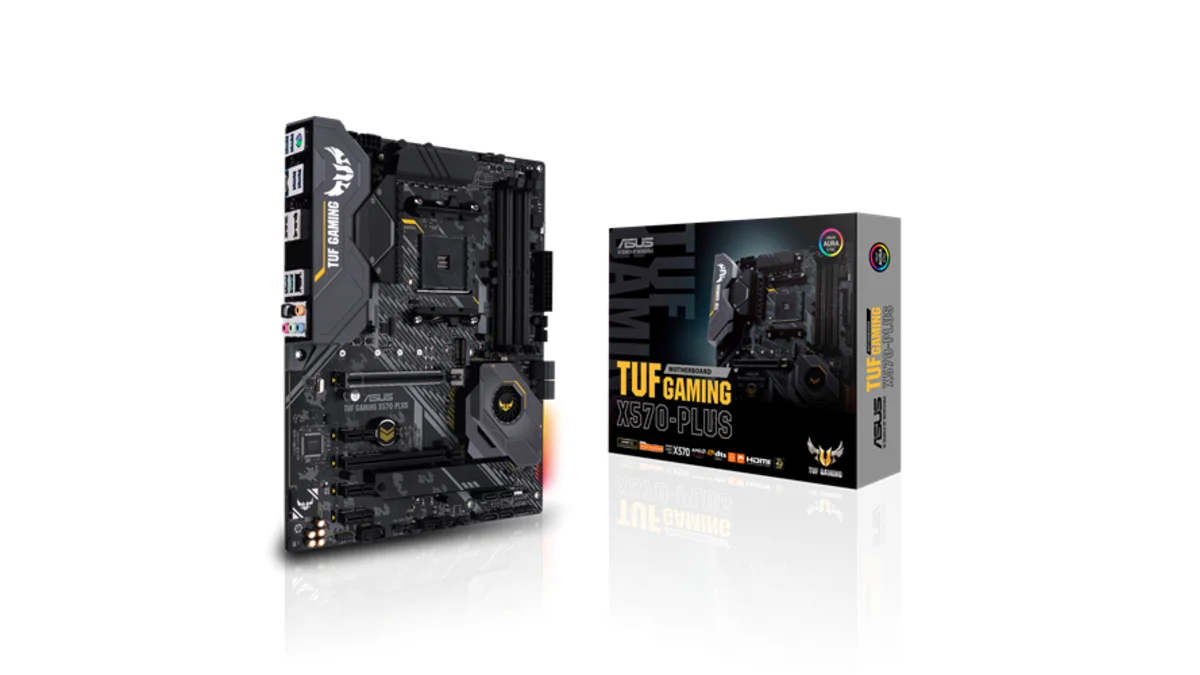
AMD X570 ATX motherboard for AM4 with PCIe 4.0, DDR4 memory support and USB 3.2 Gen 2 ports - a durable foundation for Ryzen 3000-series desktop builds
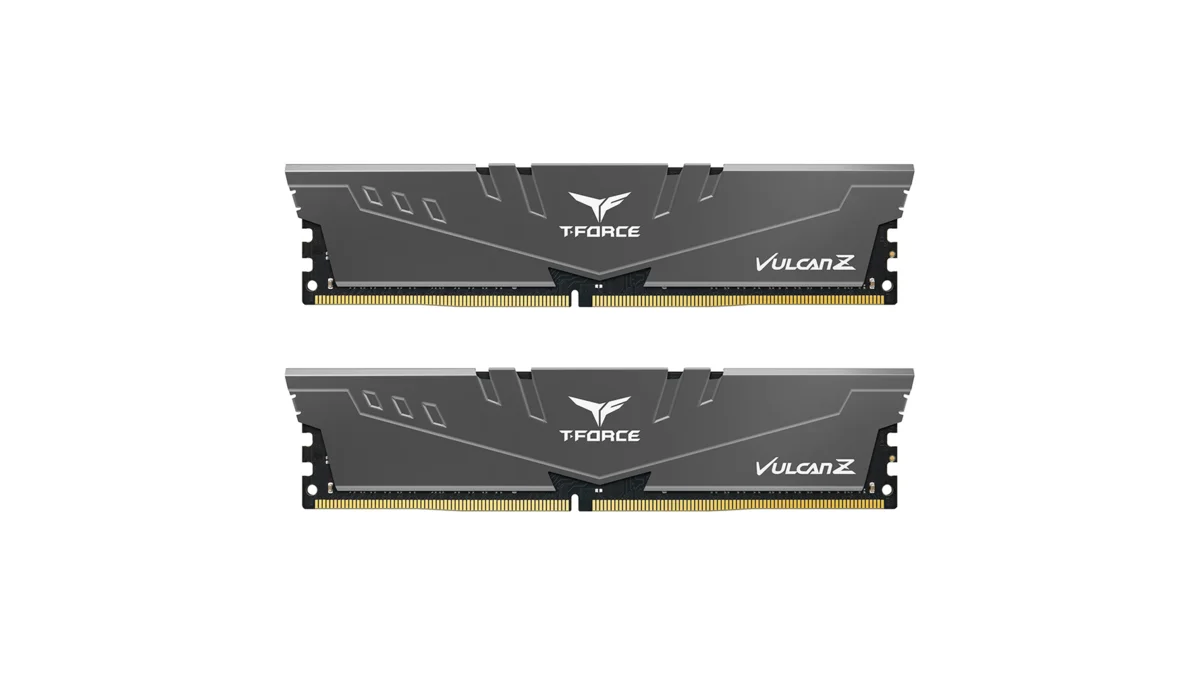
TEAMGROUP T-Force Vulcan Z 64GB DDR4 UDIMM kit - reliable overclocking memory with Intel XMP 2.0 profiles for AM4 desktop builds and Ryzen 3000-series
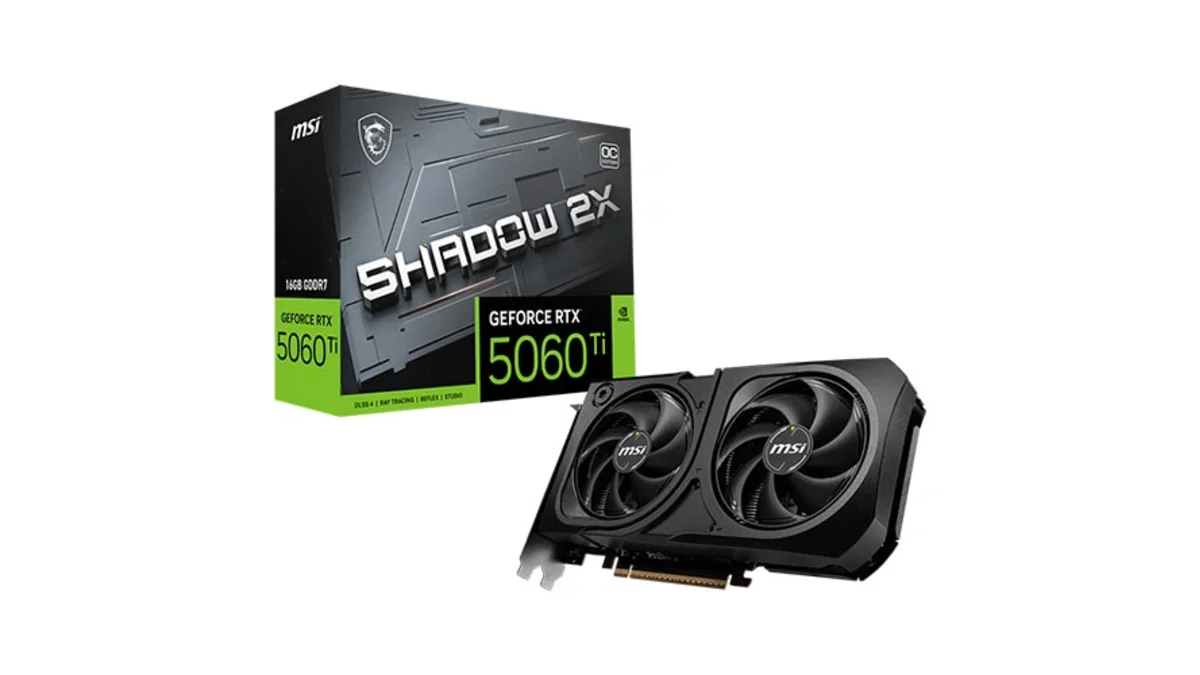
MSI GeForce RTX 5060 Ti 16GB GDDR7 graphics card with dual-fan thermal design and HDMI 2.1b DisplayPort 2.1b for gaming and content creation

Sparkle Intel Arc A770 ROC OC Edition graphics card with 16GB GDDR6 dual DBB fans and metal backplate for gaming content creation and video editing
Microsoft Windows 11 Pro - the professional edition of Windows 11 with advanced security, remote desktop, and enterprise management features.
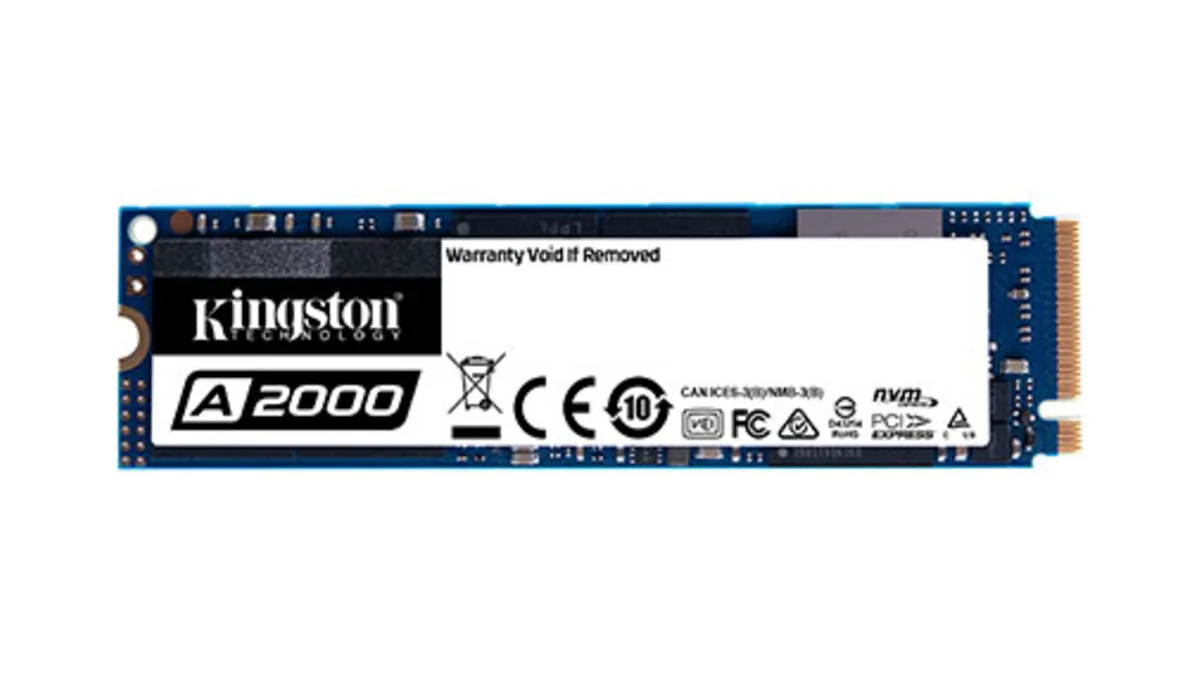
Kingston A2000 1TB PCIe 3.0 x4 NVMe M.2 SSD - reliable budget-friendly storage for everyday computing on desktops and laptops with fast sequential performance
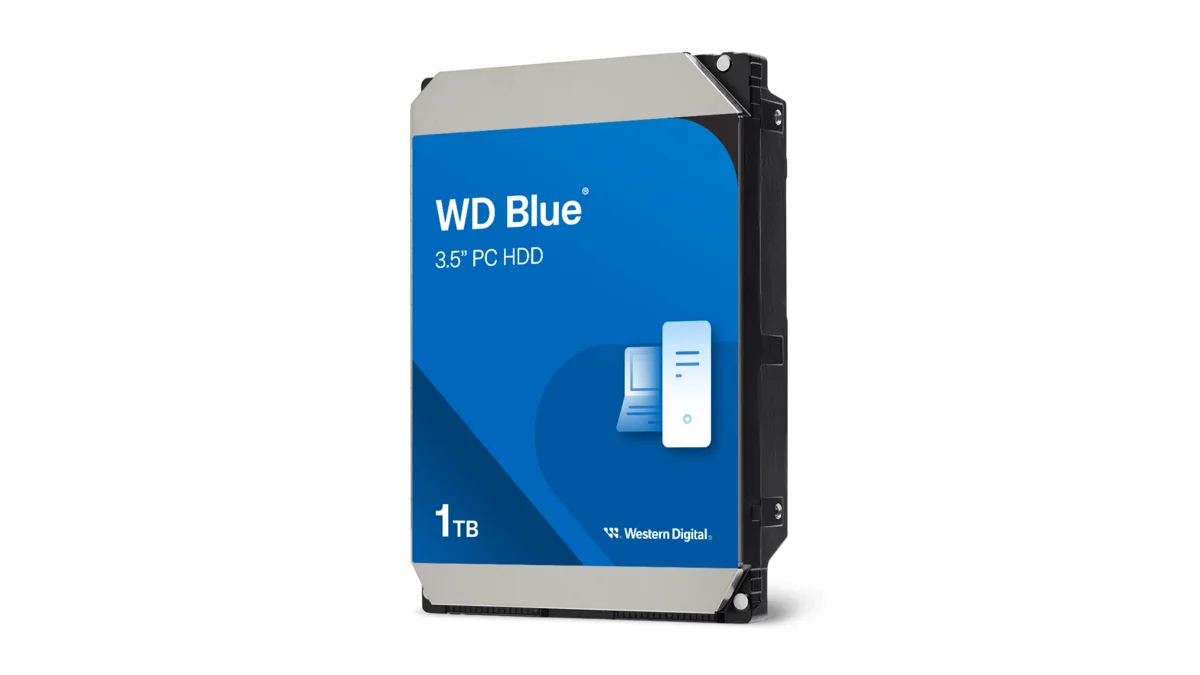
Western Digital Blue WD10EZEX 1TB 3.5" desktop hard drive with SATA III interface - reliable high-capacity storage for everyday computing needs.
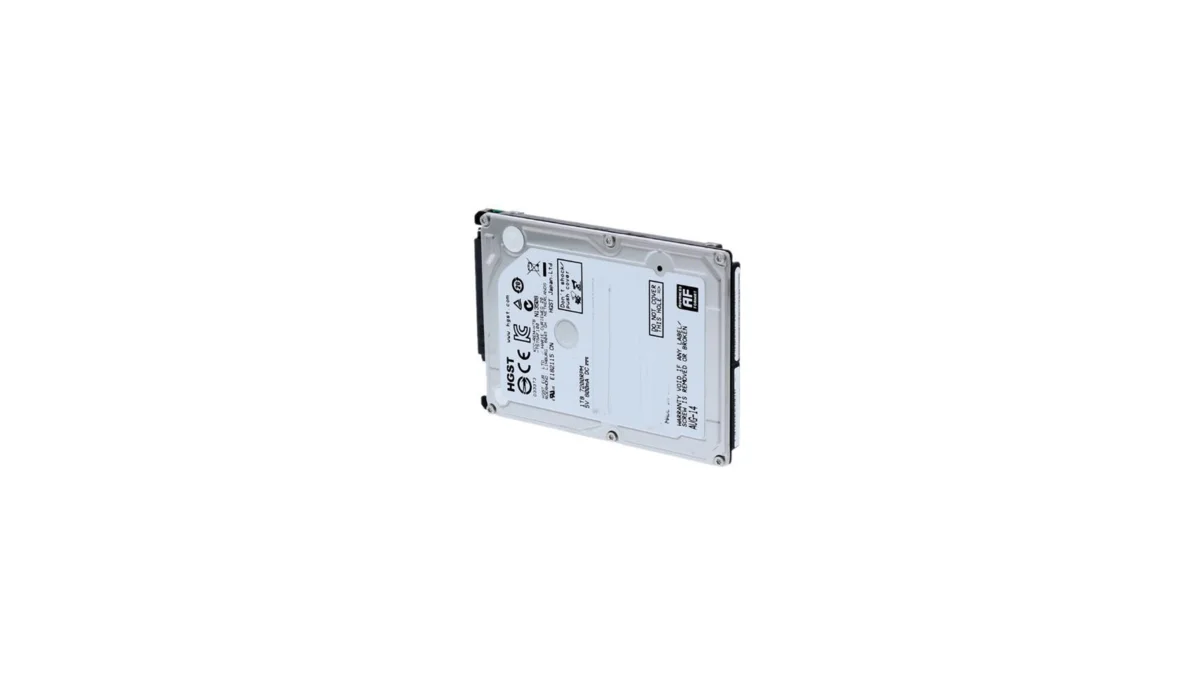
HGST Travelstar Z5K1000 1TB 2.5" laptop hard drive - reliable energy-efficient storage for desktops and workstations with SATA III interface
fanxiang S880R 1TB PCIe 4.0 NVMe M.2 SSD with built-in heatsink — up to 7300MB/s reads and 3D TLC NAND for high-performance desktop and console storage.