How to Install openSUSE Leap 16 (Step by Step for Beginners)
Install openSUSE Leap 16 from a Ventoy USB drive. Get the offline image, find your boot menu key, fix the Secure Boot error, choose the installer options with GNOME and finish setup.
Independent tutorials, real-world benchmarks, and hand-picked hardware and software for running AI models locally — no cloud required.
Install openSUSE Leap 16 from a Ventoy USB drive. Get the offline image, find your boot menu key, fix the Secure Boot error, choose the installer options with GNOME and finish setup.
Install Pop!_OS 24.04 from a Ventoy USB drive. Get the right ISO, find your boot menu key, fix the Secure Boot error, choose installer options and finish setup.
Install Zorin OS 18.1 from a Ventoy USB drive. Get the ISO, find your boot menu key, fix the Secure Boot error, pick the installer options and finish setup.
Install Ubuntu 26.04 LTS from a Ventoy USB drive. Get the ISO, find your boot menu key, fix the Secure Boot error and finish the first-boot setup.
Install Ubuntu 26.10 from a Ventoy USB drive. Get the ISO, find your boot menu key, pick the right installer options and finish the first-boot setup.
Install Ventoy on openSUSE Tumbleweed with the Ventoy GUI, copy your ISOs to the drive, and boot CachyOS, Clonezilla, Proxmox and Windows 11 from one USB drive.

The real Windows workstation this channel records and edits on - Ryzen 9 3900X, Asus TUF X570 motherboard, 64GB DDR4, dual GPU (RTX 5060 Ti + Arc A770), four drives. Direct hardware, no virtualization layer.

The host workstation used to run QEMU/KVM guest VMs for multiple tutorials: Ryzen 9 9950X, X870 motherboard, 64GB DDR5, NVMe storage.

Microsoft's business-oriented edition of Windows 11 — adds BitLocker encryption, Hyper-V virtualization, Windows Sandbox, Group Policy management, and Windows Update for Business controls on top of the Home edition, used as the baseline environment for ElectronixZone's Windows 11 tutorials.


Full-featured desktop virtualization software from VMware for running virtual machines on Windows — free for personal, non-commercial use since 2024.
| Model | Quant | GPU | Tok/s |
|---|

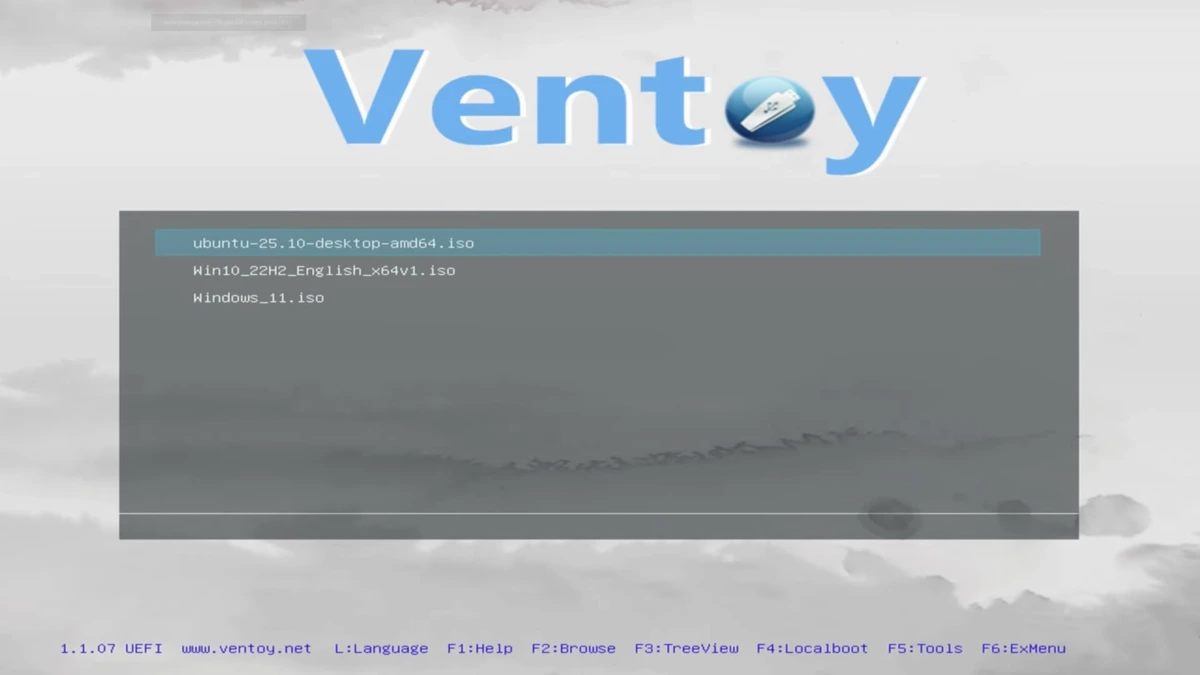
Complete Ventoy guide: what it is, which install guide to follow for 11 Linux distros, Windows 10 and 11, the steps, boot tips, NVMe drive and FAQ.
One email a week on local LLMs, DIY AI hardware, and the tools that power them. No spam — unsubscribe anytime.
Subscribe free