
GNOME
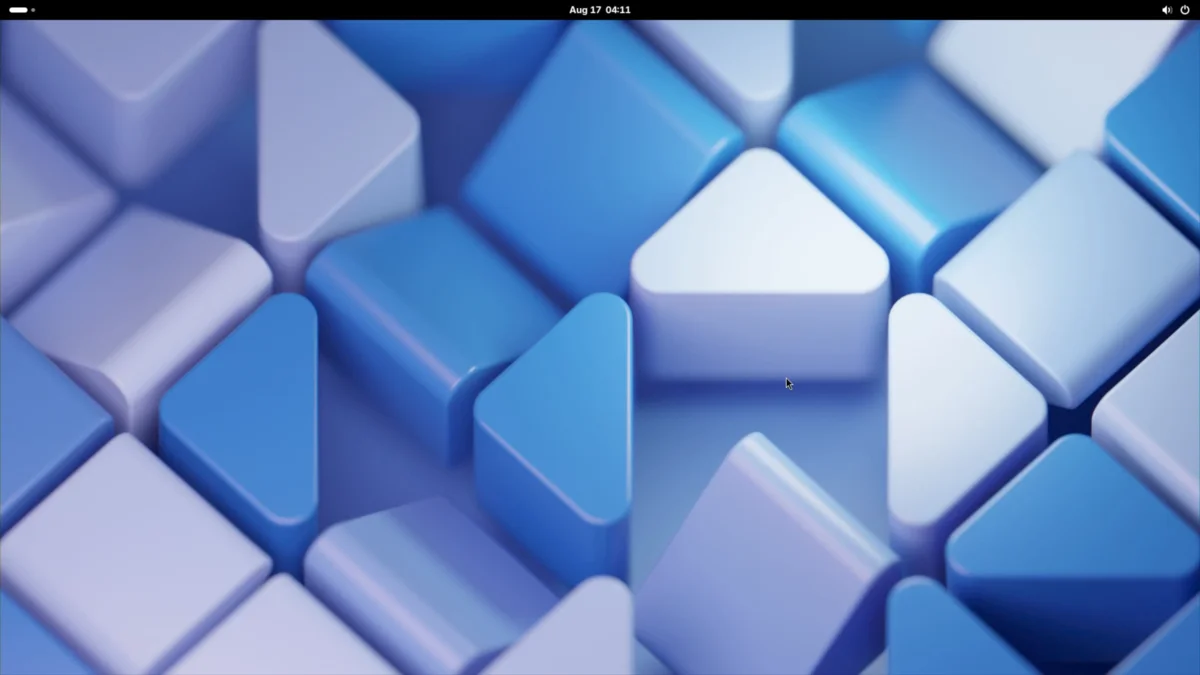
About GNOME
GNOME is a free, open-source desktop environment for Linux and other Unix-like systems. It provides a clean, modern graphical interface built around the idea that computers should be intuitive and accessible to everyone.
Key Features
- Activities Overview — A central hub for switching between windows, launching apps, and accessing files
- Global Search (GNOME Shell) — Instant search across files, applications, contacts, and more
- Workspace Switching — Multiple virtual desktops for organizing your workflow
- Accessibility — Built-in screen reader (Orca), high contrast themes, and zoom tools
- Extensions Framework — Extend GNOME's functionality through community-developed extensions
Why Use GNOME?
GNOME is the default desktop for many Linux distributions including Fedora, Ubuntu, and Debian. It offers a polished out-of-the-box experience with consistent design language, regular updates, and strong accessibility support.
Licensing Architecture
Unlike most projects that use a single license, GNOME employs a deliberate mixed-licensing model: its core platform libraries (GTK, GDK, and related components) are licensed under LGPL 2.1+, enabling both free and proprietary software to link against them; applications (Files, Text Editor, Terminal, etc.) are licensed under the GPL (newer ones GPL3+, older ones GPL2+); and documentation is released separately under CC-BY-SA 3.0. This split is a conscious design choice that balances open-source principles with practical ecosystem growth — see developer-old.gnome.org for the full rationale.
Installation on Alpine Linux
To install GNOME on Alpine Linux:
setup-desktop gnome
This command installs the full GNOME desktop environment along with its dependencies. After installation, start the display manager with rc-service gdm start and log in to begin using GNOME.