AMD Ryzen 9 9950X
16-core, 32-thread AMD Ryzen 9 9950X desktop processor (Zen 5, AM5) with 5.7 GHz max boost and Radeon graphics — AMD's flagship mainstream CPU.
3 retailers


This tutorial takes about 1 minute to complete.
This guide shows how to install Visual Studio Code on Bazzite with the Bazzite Portal: open the portal, choose Install Applications and pick Visual Studio Code, then start it from the application manager or the terminal. It follows the video.
You need a computer running Bazzite and an internet connection: the Bazzite Portal downloads and installs Visual Studio Code for you.
Jump to a chapter in the video: Intro · Install VS Code · Run VS Code
Open the Bazzite Portal from the menu bar and click Install Applications. Scroll down until you find Visual Studio Code and click it. Click Yes to proceed. When the install is done, close the window.
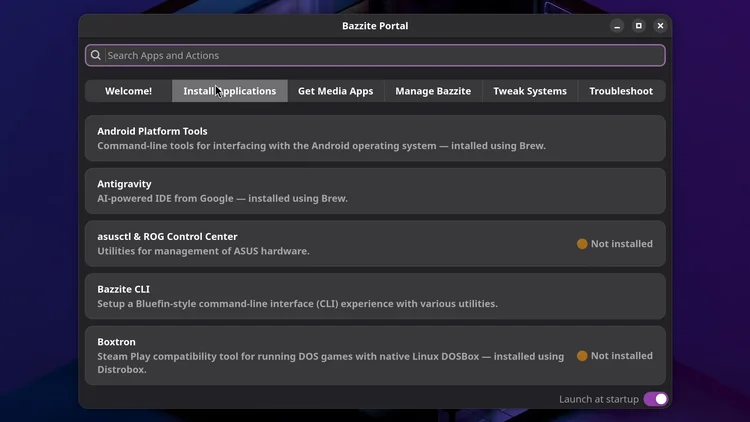
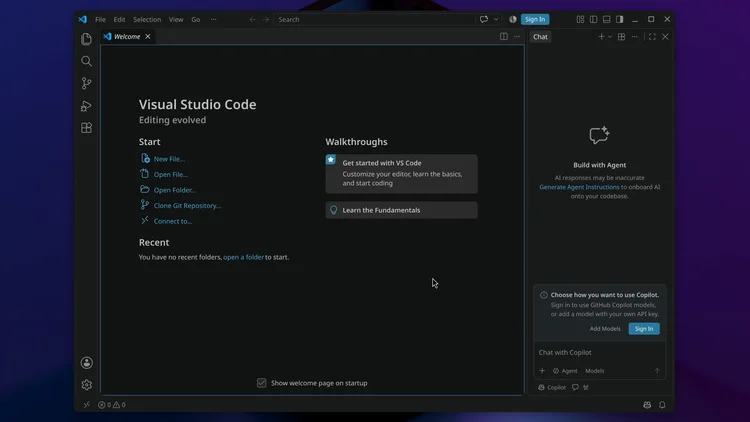
Open the application manager, click Show apps and double-click Visual Studio Code. You can also close that window, open a terminal and type code to launch it.
code
One email a week on local LLMs, DIY AI hardware, and the tools that power them. No spam — unsubscribe anytime.
Subscribe free16-core, 32-thread AMD Ryzen 9 9950X desktop processor (Zen 5, AM5) with 5.7 GHz max boost and Radeon graphics — AMD's flagship mainstream CPU.
AMD X870 ATX motherboard for AM5 with PCIe 5.0, DDR5, USB4, Wi-Fi 7 and 2.5GbE LAN — a modern foundation for Ryzen 9000-series desktop builds.
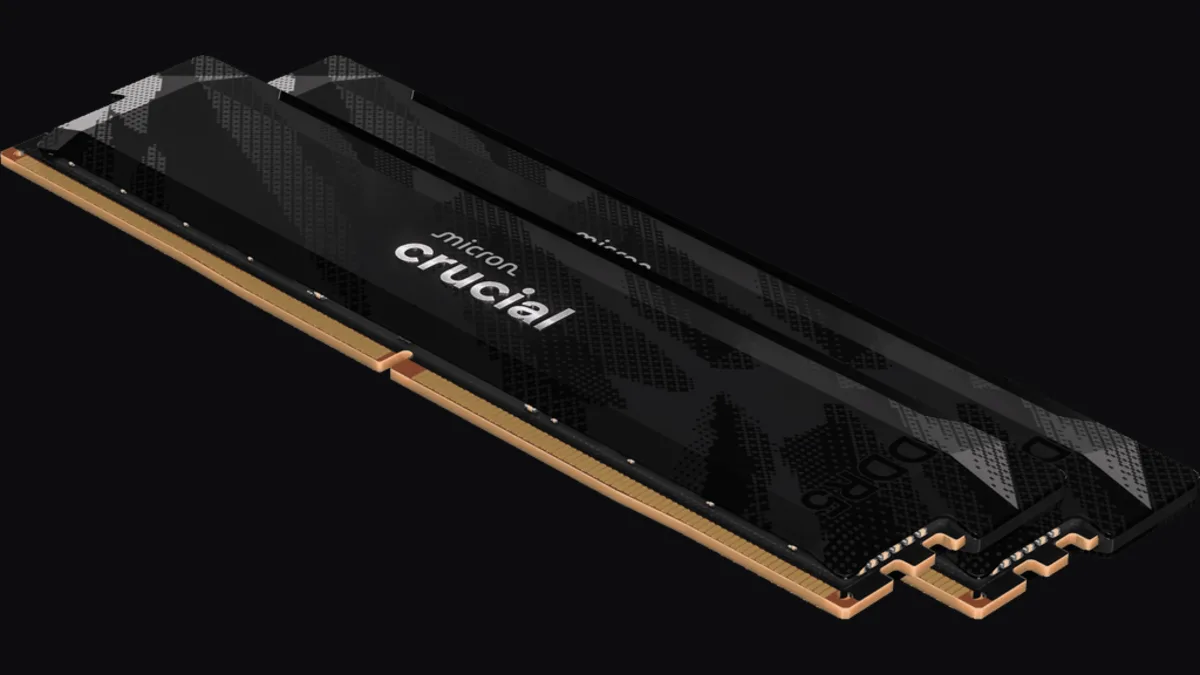
32GB (2x16GB) DDR5-6400 CL32 UDIMM kit from Crucial Pro — 1.35V overclocking memory with Intel XMP 3.0 and AMD EXPO for demanding desktop builds.
fanxiang S880R 1TB PCIe 4.0 NVMe M.2 SSD with built-in heatsink — up to 7300MB/s reads and 3D TLC NAND for high-performance desktop and console storage.