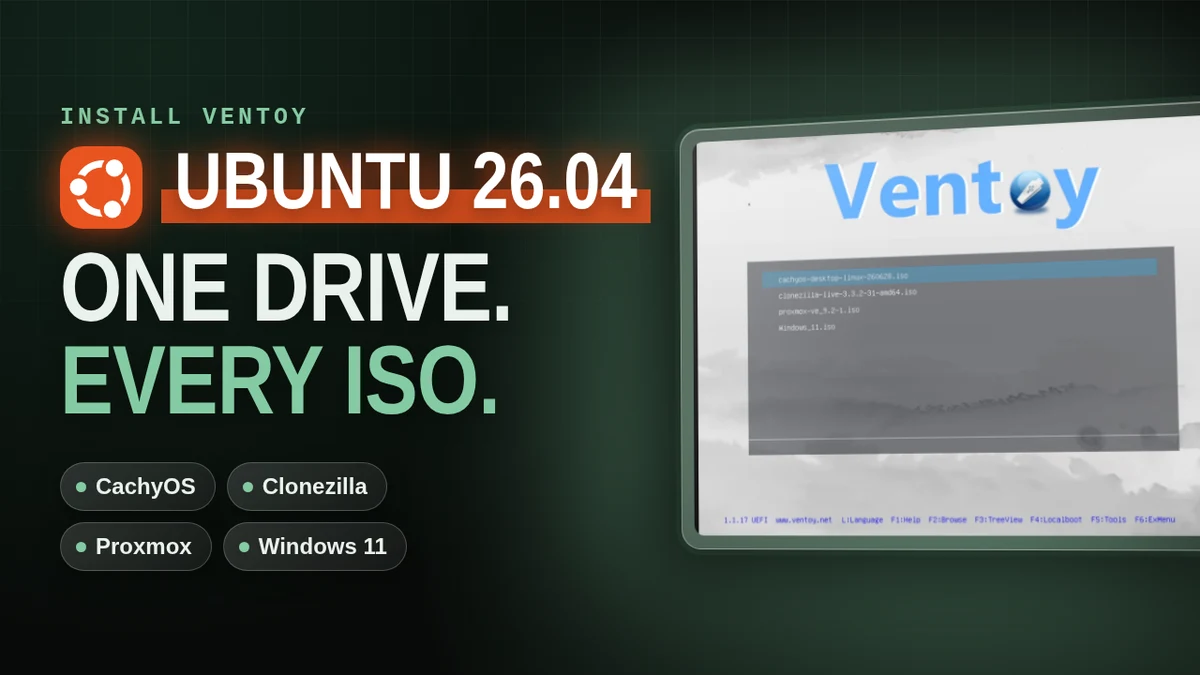
How to Install Ventoy on Ubuntu 26.04
Install Ventoy on Ubuntu 26.04 Desktop, copy your ISOs onto the drive, and boot CachyOS, Clonezilla, Proxmox and Windows 11 from one USB drive.
linux9 minverified Oct 8, 2026

13 tutorials are filed under Software Install.
Install Ventoy on Ubuntu 26.04 Desktop, copy your ISOs onto the drive, and boot CachyOS, Clonezilla, Proxmox and Windows 11 from one USB drive.
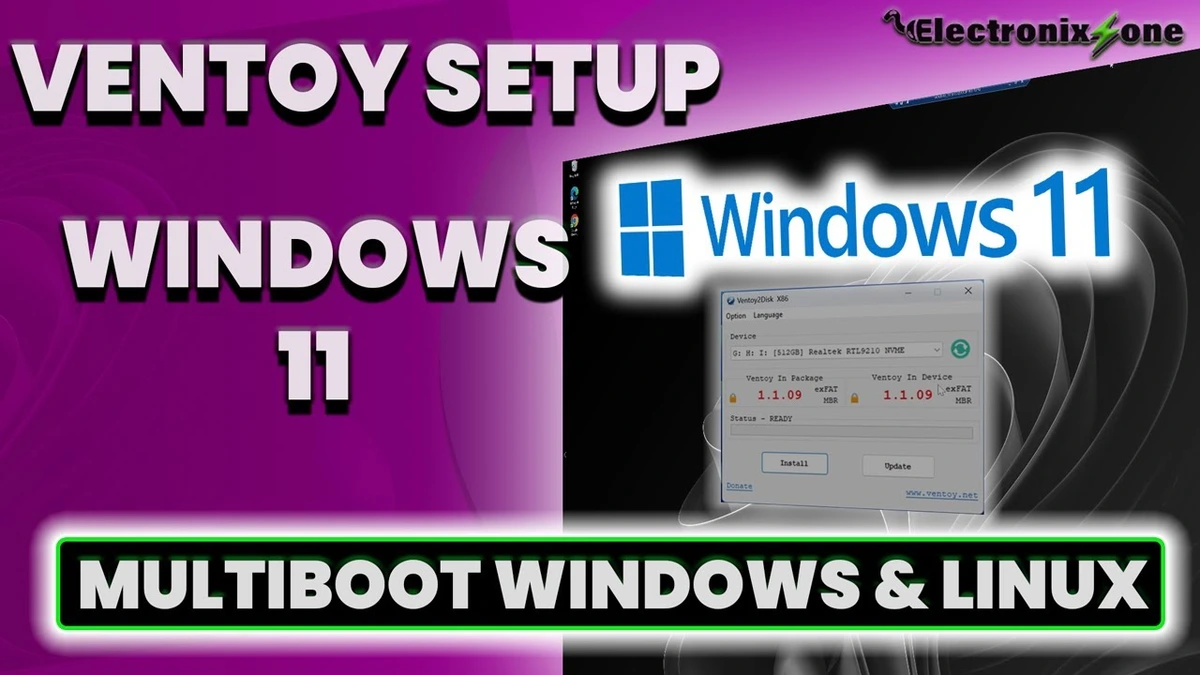
This tutorial shows how to install Ventoy on an external NVMe drive using Windows 11. Steps include downloading the Ventoy Windows zip, running the "Ventoy to Disk" installer, formatting the target drive, and copying multiple ISOs like Windows 10, Windows 11, and Ubuntu. You will also learn how to access your system's BIOS, change the boot priority to load Ventoy first, and successfully boot into each ISO.

Learn how to set up an external NVMe SSD with Ventoy for fast, flexible multi-booting. This step-by-step guide covers downloading Ventoy, running the installer, and dragging and dropping ISOs like Ubuntu and Windows 10/11. You'll also learn how to verify transfer speeds, use the drive as regular storage, adjust your BIOS boot priority, and successfully launch the Ventoy menu to boot multiple operating systems.
Install the Brave web browser on a fresh Windows 10 install through the Microsoft Store — then pin it to the taskbar and confirm it's working.

Install the Opera web browser on a fresh Windows 10 install through the Microsoft Store — then pin it to your taskbar and start browsing.

Install Mozilla Firefox on a fresh Windows 10 install through the Microsoft Store — then skip the setup screens and start browsing.
Install Google Chrome on Windows 10 from the Microsoft Store — the quickest method, with no third-party sites or download links needed.

Install Windows 11 completely offline with a local account — no email, no tracking, full control. Uses the registry BypassNRO trick to skip the forced Microsoft sign-in.
Install Chromium on Alpine Linux 3.22 from the community repo — enable it, install the package, verify the version, and launch with or without a sandbox.
Learn how to install sudo on Alpine Linux, create a new user, grant sudo privileges via the wheel group, and verify everything works — step by step.
Install the latest stable Google Chrome on AlmaLinux 10 with DNF, including the extra signing-key step required on AlmaLinux 10.
Install the latest stable Google Chrome on AlmaLinux 9 with DNF, straight from Google's official RPM.
Step-by-step guide to installing the latest Google Chrome on AlmaLinux 8 using DNF, straight from Google's official repo.