AMD Ryzen 9 9950X
16-core, 32-thread AMD Ryzen 9 9950X desktop processor (Zen 5, AM5) with 5.7 GHz max boost and Radeon graphics — AMD's flagship mainstream CPU.
3 retailers


This tutorial takes about 3 minutes to complete.
Google Chrome doesn't come pre-installed on AlmaLinux 9, and it isn't in the default repositories either, so we need to grab it directly from Google. It's a quick process — the whole install is just a handful of commands in a terminal.
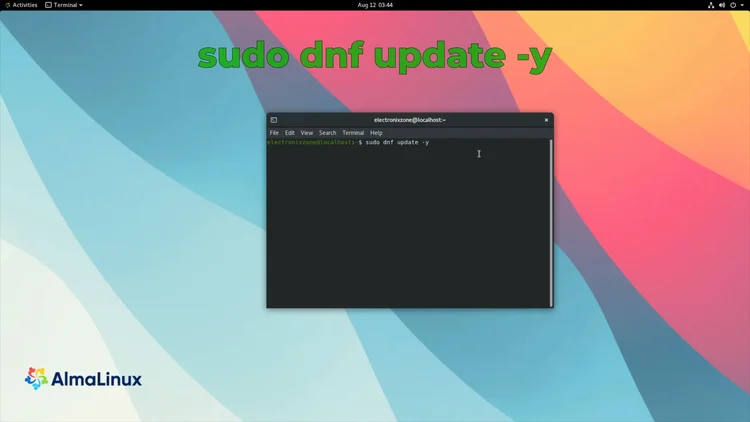
First, open up your terminal. Before installing anything new, it's always good practice to update your system.
sudo dnf update -y
Enter your password if asked. This makes sure all your existing packages are current, which helps avoid dependency issues later.
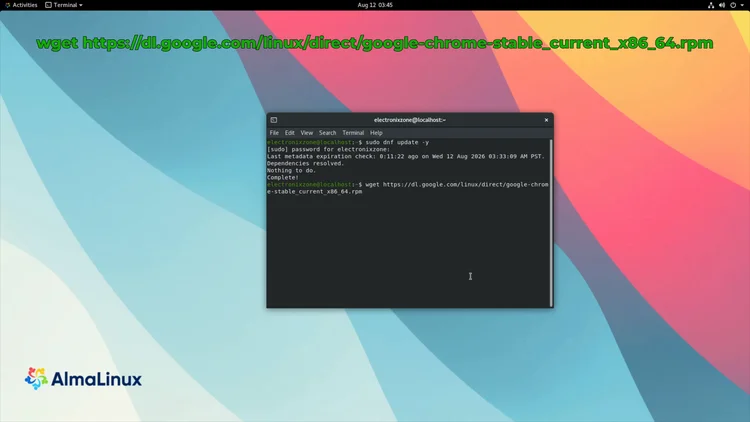
Now let's download the actual Chrome installer. Google provides an RPM package we can grab directly with wget.
wget https://dl.google.com/linux/direct/google-chrome-stable_current_x86_64.rpm
This downloads the latest stable version of Chrome straight from the Google servers. Wait for the RPM file to finish downloading before moving on.
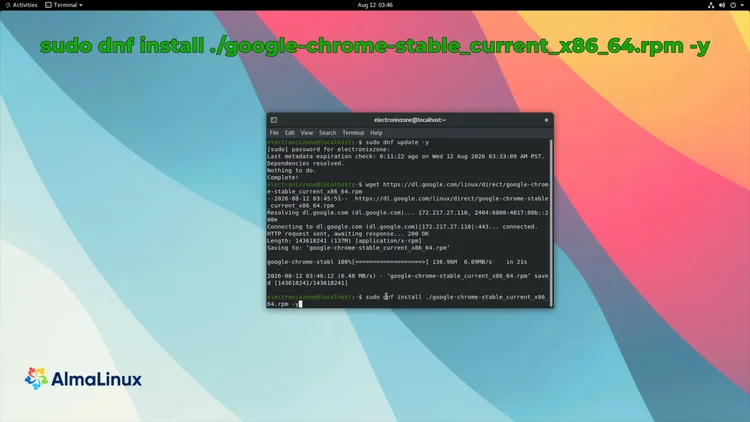
Now we install using DNF, which also automatically handles any dependencies.
sudo dnf install ./google-chrome-stable_current_x86_64.rpm -y
Using DNF here instead of a raw RPM install is the point: it resolves dependencies for us automatically, so we don't run into any missing-library errors.
Confirm that everything installed successfully by checking the version.
google-chrome-stable --version
This should print the latest stable version of Google Chrome, confirming it's installed.
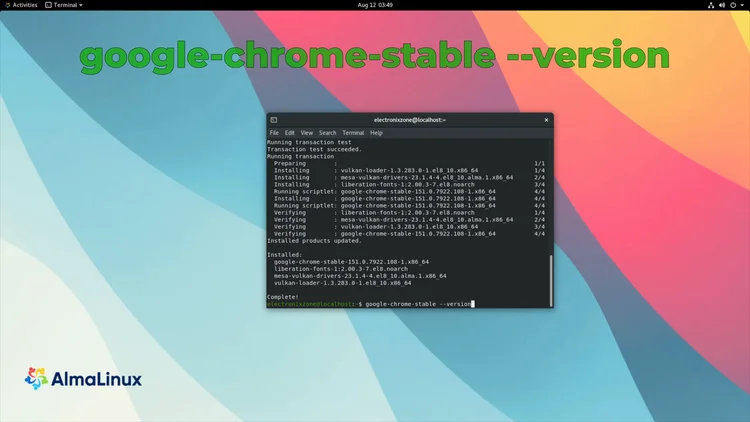
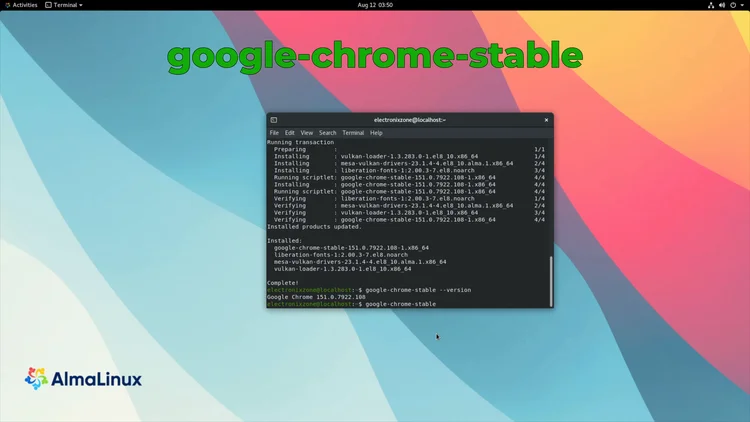
You can launch Chrome two ways — from the terminal, or from the Applications menu. From the terminal, run:
google-chrome-stable
That's it — you've got Google Chrome up and running on AlmaLinux 9.
One email a week on local LLMs, DIY AI hardware, and the tools that power them. No spam — unsubscribe anytime.
Subscribe free16-core, 32-thread AMD Ryzen 9 9950X desktop processor (Zen 5, AM5) with 5.7 GHz max boost and Radeon graphics — AMD's flagship mainstream CPU.
AMD X870 ATX motherboard for AM5 with PCIe 5.0, DDR5, USB4, Wi-Fi 7 and 2.5GbE LAN — a modern foundation for Ryzen 9000-series desktop builds.
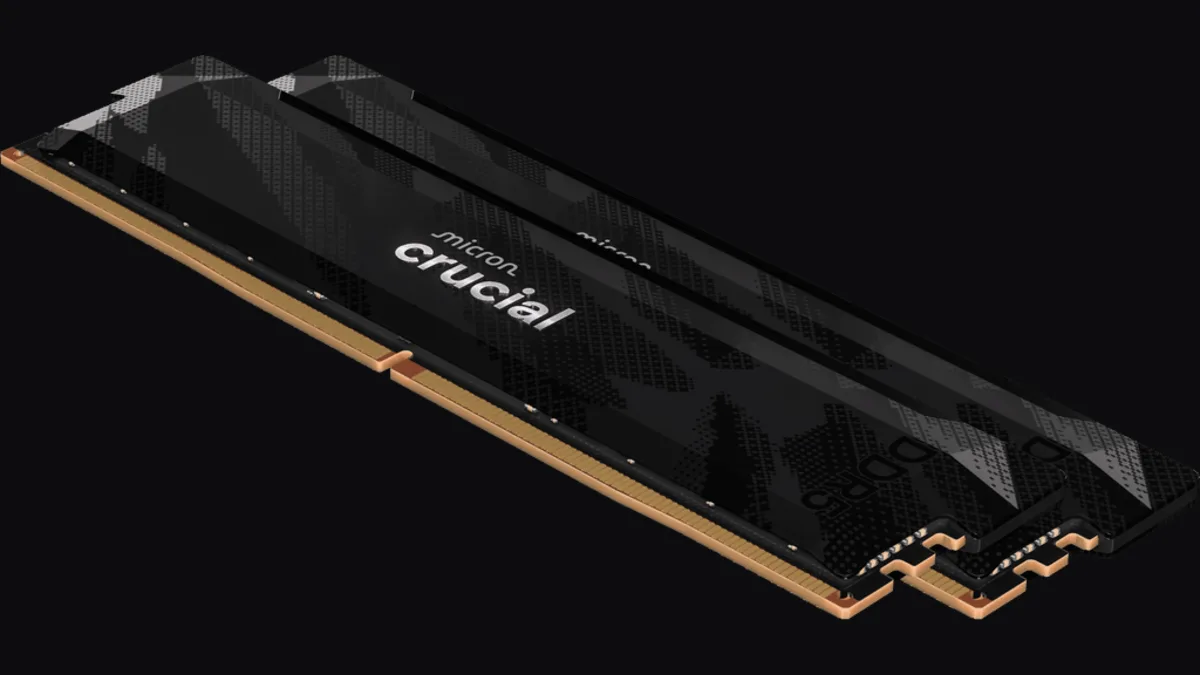
32GB (2x16GB) DDR5-6400 CL32 UDIMM kit from Crucial Pro — 1.35V overclocking memory with Intel XMP 3.0 and AMD EXPO for demanding desktop builds.
fanxiang S880R 1TB PCIe 4.0 NVMe M.2 SSD with built-in heatsink — up to 7300MB/s reads and 3D TLC NAND for high-performance desktop and console storage.