
Google Chrome
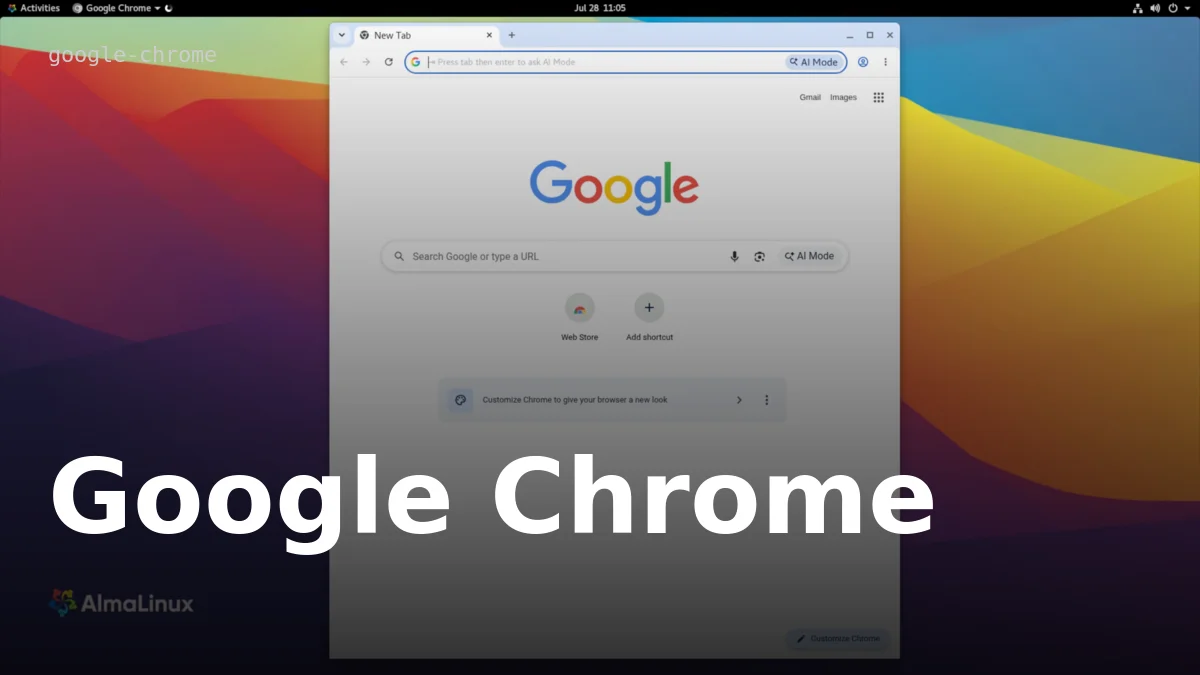
AlmaLinux 8 / RHEL-based (DNF, official RPM)
sudo dnf install https://dl.google.com/linux/direct/google-chrome-stable_current_x86_64.rpm -yDebian / Ubuntu (APT, official .deb)
wget https://dl.google.com/linux/direct/google-chrome-stable_current_amd64.deb && sudo apt install ./google-chrome-stable_current_amd64.debWindows
Download the installer from google.com/chrome and run itmacOS
Download the .dmg from google.com/chrome, drag Chrome to ApplicationsAbout Google Chrome
Chrome is Google's web browser, built on the open-source Chromium project but distributed as proprietary freeware — the browser itself isn't open source, even though large parts of its underlying engine (Blink, V8) are. It's available on Linux, Windows, and macOS (plus Android, iOS, and ChromeOS), and remains one of the most widely used browsers, with frequent update cycles (roughly every few weeks for stable releases).
System requirements
Requirements vary by platform, and Google's official pages don't publish RAM or disk-size minimums — the requirement is a supported OS: Windows 10 or later (Windows 11+ on ARM processors), macOS 13 Ventura or later, or a 64-bit Linux distribution (Ubuntu 18.04+, Debian 10+, openSUSE 15.5+, or Fedora 39+).
Installing Chrome
Installation differs by platform and, on Linux, by distribution family — see the install methods above for the most common paths. For a full, verified, step-by-step walkthrough on AlmaLinux 8 specifically, including what to expect during install and how to confirm it worked, see the linked tutorial below.