AMD Ryzen 9 9950X
16-core, 32-thread AMD Ryzen 9 9950X desktop processor (Zen 5, AM5) with 5.7 GHz max boost and Radeon graphics — AMD's flagship mainstream CPU.
3 retailers

This tutorial takes about 2 minutes to complete.
This guide shows how to install Visual Studio Code on Debian 13 with apt: download the .deb file, install it with one command and start it. It follows the video, and every command below is the one typed on screen, ready to copy.
You need a computer running Debian 13, an internet connection and your account password: the install command asks for it.
Jump to a chapter in the video: Download .deb · Install .deb · Run VS Code
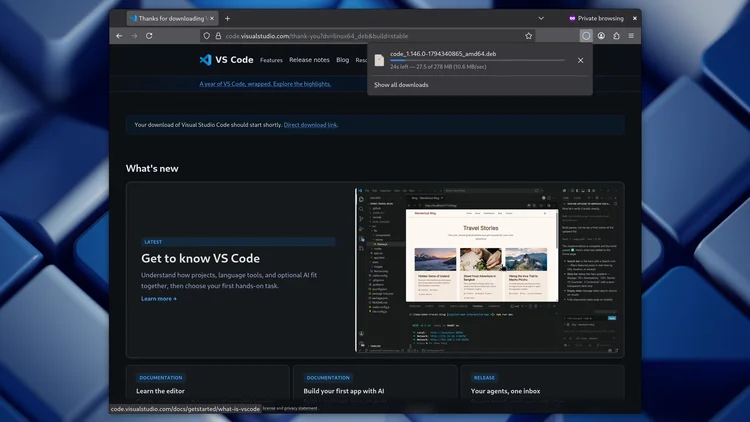
Open your browser and go to code.visualstudio.com/download. Click the Debian/Ubuntu .deb download for Linux and the download starts. When the VS Code .deb file has finished downloading, close the browser window.
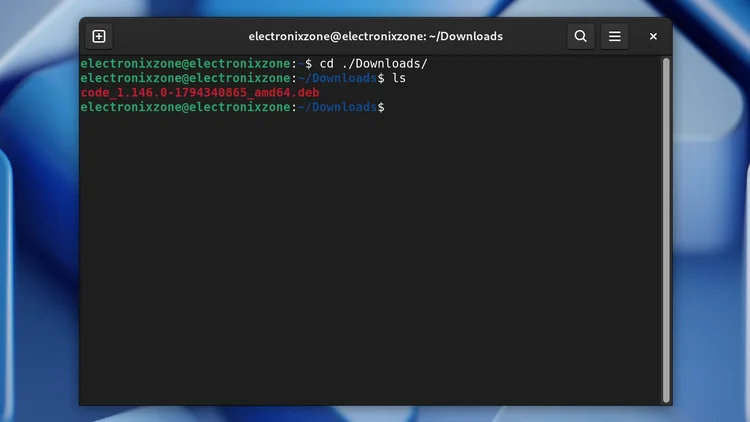
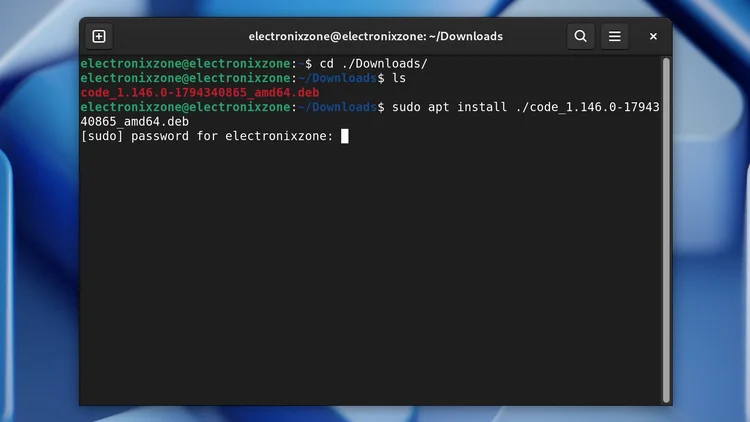
Open a terminal and change into your Downloads folder with the first command below. Then run the second command to list the folder and see the exact name of the .deb file.
cd ./Downloads/
ls
Now install the file. Type sudo apt install ./ followed by the first letters of the file name (code), press Tab to autocomplete the name and press Enter. The finished command is below. Type your password when the terminal asks for it. The install adds the Microsoft APT repository for Visual Studio Code, so whenever you run sudo apt update or sudo apt upgrade, VS Code is updated to the latest stable version as well. Answer yes when it asks.
sudo apt install ./code_1.146.0-1794340865_amd64.deb
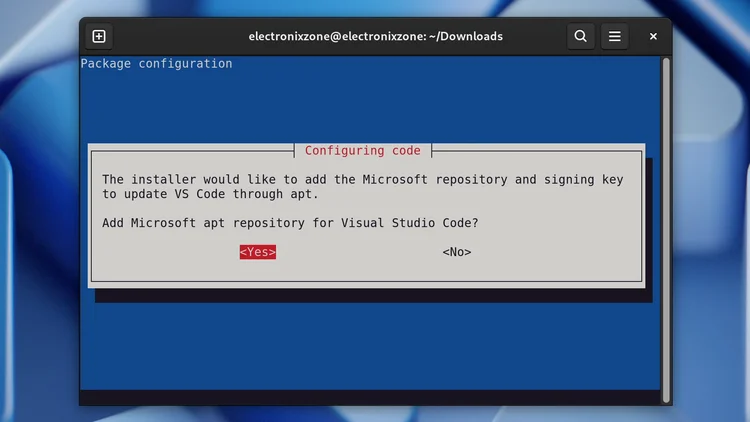
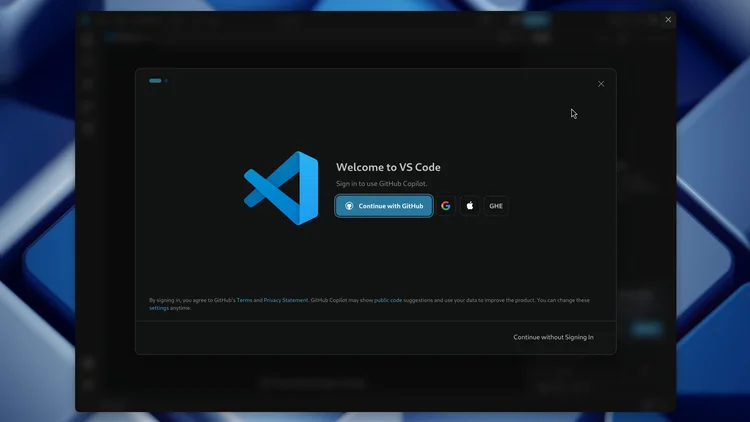
To open VS Code, type the command below in the terminal and press Enter. You can also launch it from the application menu: click the menu button, go to Show apps and double-click the VS Code icon.
code
One email a week on local LLMs, DIY AI hardware, and the tools that power them. No spam — unsubscribe anytime.
Subscribe free16-core, 32-thread AMD Ryzen 9 9950X desktop processor (Zen 5, AM5) with 5.7 GHz max boost and Radeon graphics — AMD's flagship mainstream CPU.
AMD X870 ATX motherboard for AM5 with PCIe 5.0, DDR5, USB4, Wi-Fi 7 and 2.5GbE LAN — a modern foundation for Ryzen 9000-series desktop builds.
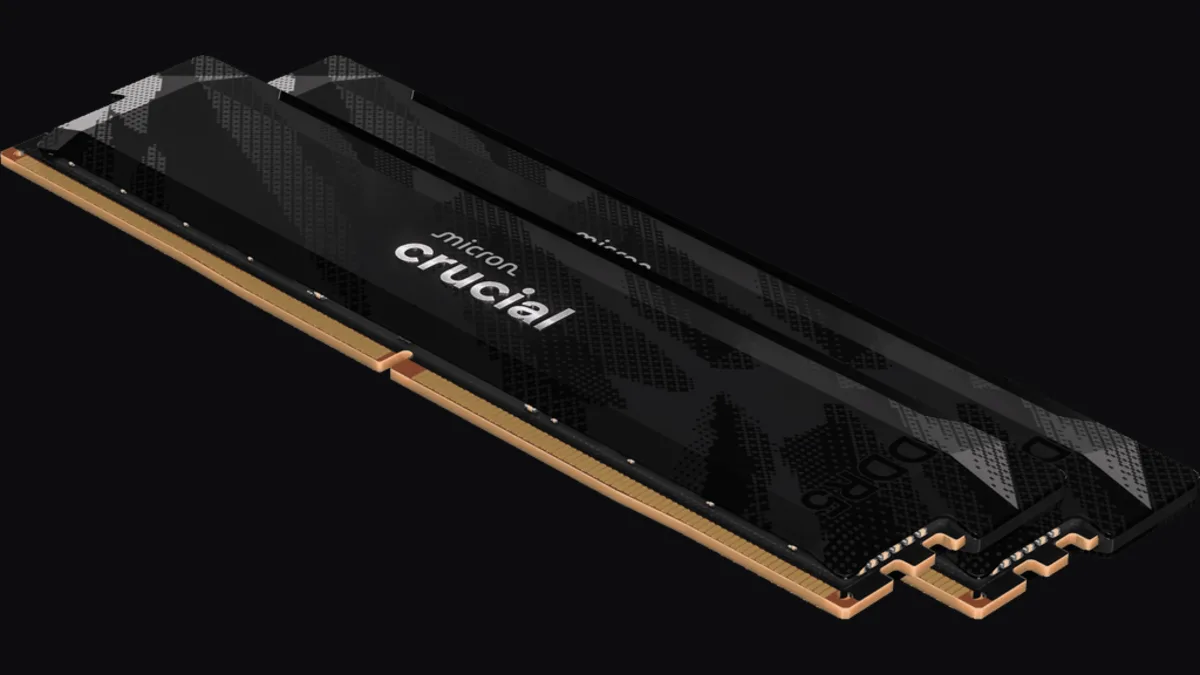
32GB (2x16GB) DDR5-6400 CL32 UDIMM kit from Crucial Pro — 1.35V overclocking memory with Intel XMP 3.0 and AMD EXPO for demanding desktop builds.
fanxiang S880R 1TB PCIe 4.0 NVMe M.2 SSD with built-in heatsink — up to 7300MB/s reads and 3D TLC NAND for high-performance desktop and console storage.