AMD Ryzen 9 9950X
16-core, 32-thread AMD Ryzen 9 9950X desktop processor (Zen 5, AM5) with 5.7 GHz max boost and Radeon graphics — AMD's flagship mainstream CPU.
3 retailers


This tutorial takes about 1 minute to complete.
This guide shows how to install Visual Studio Code on Windows 11 with the official installer: download it, click through the setup wizard and open VS Code from the desktop icon. It follows the video, so you can read each step here and watch it there; no command line is needed.
You need a computer running Windows 11 and an internet connection. No command line is needed: everything is done with the mouse.
Jump to a chapter in the video: Download · Run installer · Run VS Code
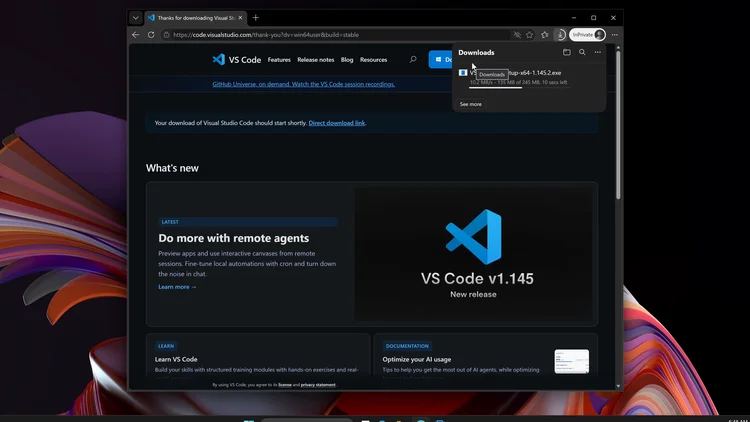
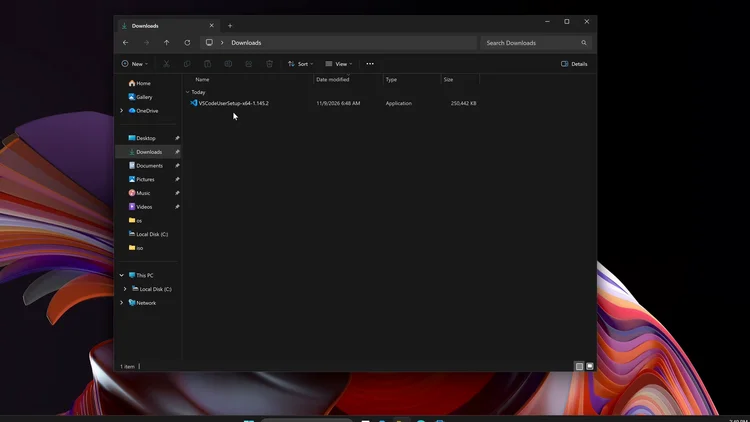
Open your browser, go to code.visualstudio.com and click Download for Windows. When the download is finished, open your Downloads folder and close the browser. The installer file is named VSCodeUserSetup-x64-1.145.2.exe.
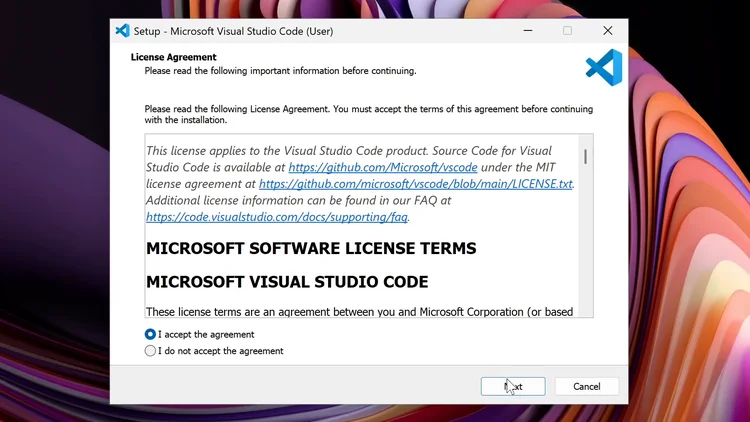
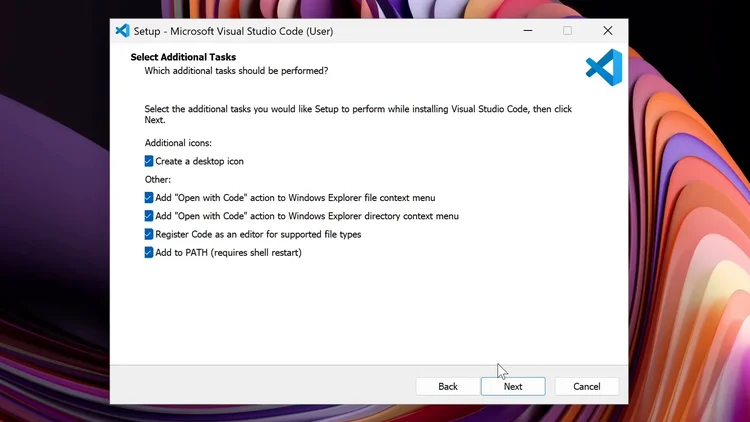
Double-click the installer you just downloaded and accept the agreement, then click Next. The next page shows where VS Code will be installed: click Next twice. On the Select Additional Tasks page, check Create a desktop icon and the two additional options, then click Next.
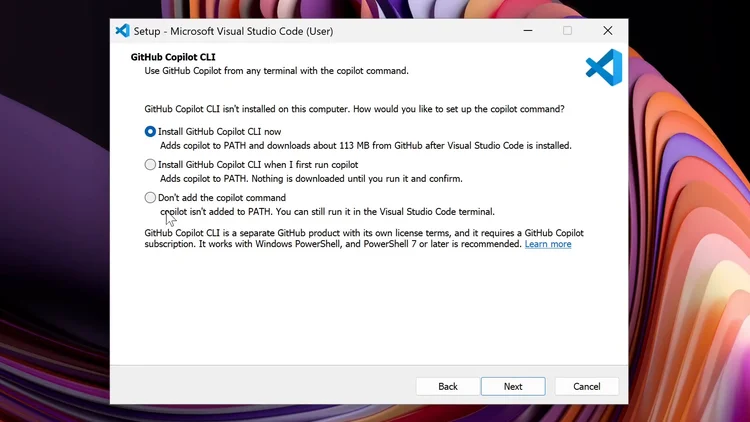
The next page offers to add the GitHub Copilot command. If you do not want it, choose Don't add the copilot command; in the video it is left on. Click Next.
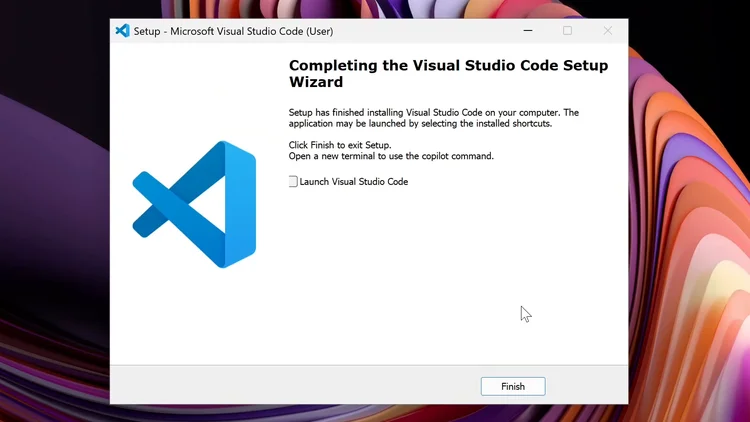
Click Install. When the setup is finished, uncheck Launch Visual Studio Code and click Finish.
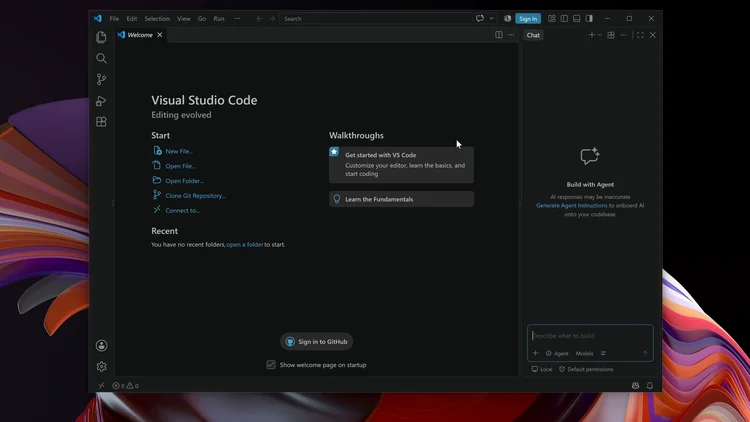
To open VS Code, double-click the Visual Studio Code icon on your desktop. You can close the Welcome window. VS Code is now installed on Windows 11.
One email a week on local LLMs, DIY AI hardware, and the tools that power them. No spam — unsubscribe anytime.
Subscribe free16-core, 32-thread AMD Ryzen 9 9950X desktop processor (Zen 5, AM5) with 5.7 GHz max boost and Radeon graphics — AMD's flagship mainstream CPU.

AMD X870 ATX motherboard for AM5 with PCIe 5.0, DDR5, USB4, Wi-Fi 7 and 2.5GbE LAN — a modern foundation for Ryzen 9000-series desktop builds.
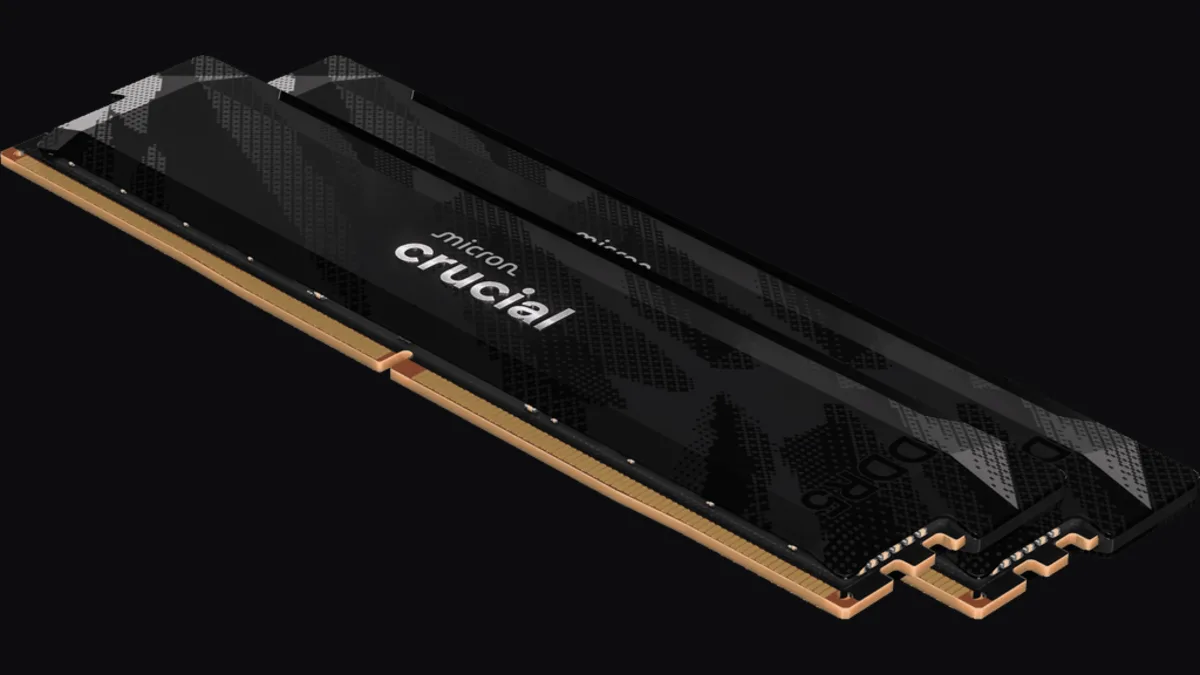
32GB (2x16GB) DDR5-6400 CL32 UDIMM kit from Crucial Pro — 1.35V overclocking memory with Intel XMP 3.0 and AMD EXPO for demanding desktop builds.
fanxiang S880R 1TB PCIe 4.0 NVMe M.2 SSD with built-in heatsink — up to 7300MB/s reads and 3D TLC NAND for high-performance desktop and console storage.